
Home / Solutions / Crane simulator
Train crane operators - on a simulated crane, without the risk.
For crane operator training: the crane simulator trains the operation of indoor and overhead cranes and the attaching of loads - theory, VR practice and training record from a single source. In use at AZW.

Crane training needs a real crane, real loads and a lot of supervised time - expensive, hard to schedule, and the practising happens on the real thing. So operators get very little practice before it counts.
Six stations, straight from the course
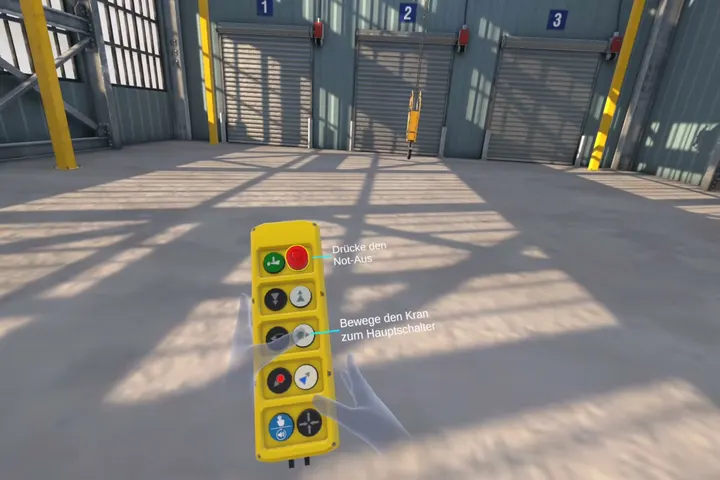
Start-up & daily check
Main switch incl. inspection date, upper and lower hoist limit switches, rope and hook inspection, emergency-stop test in all six directions.
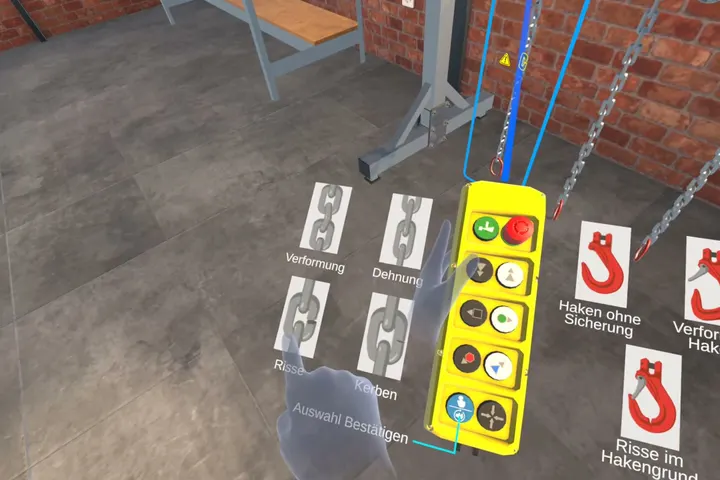
Inspecting lifting gear
Spotting and rejecting damaged and worn lifting gear - cracks, deformation, a missing safety latch or an expired inspection date.
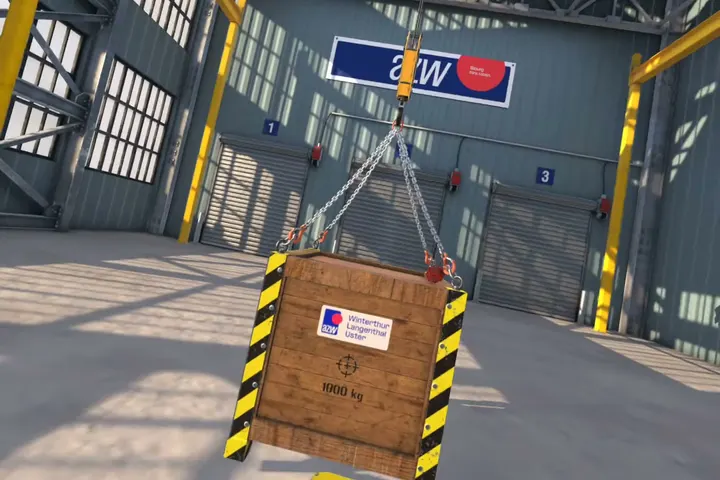
Load capacity & basic cycle
Checking the load limit along the whole chain, centre of gravity, slow lifting and setting down, a safe standing position.
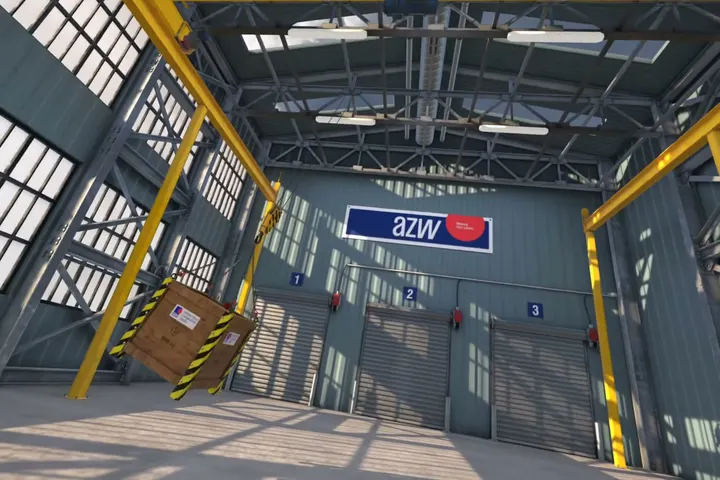
Catching a swinging load
Recognising, damping and stopping the swing - finally under time pressure.
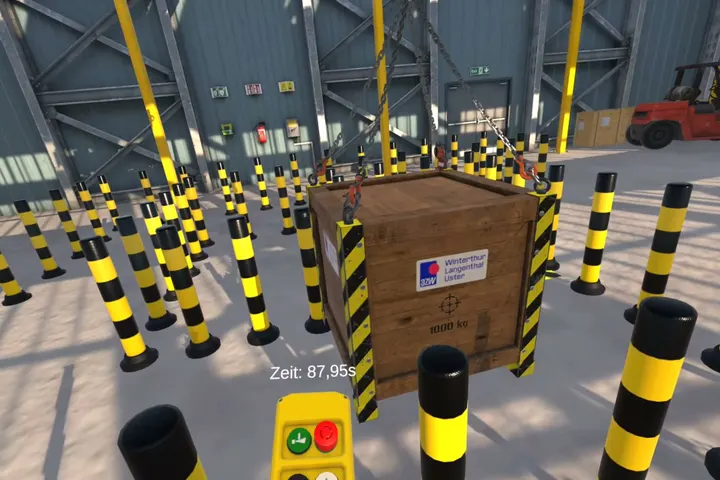
Course run & precise placement
Guiding the load through obstacles, placing it to within a few centimetres.
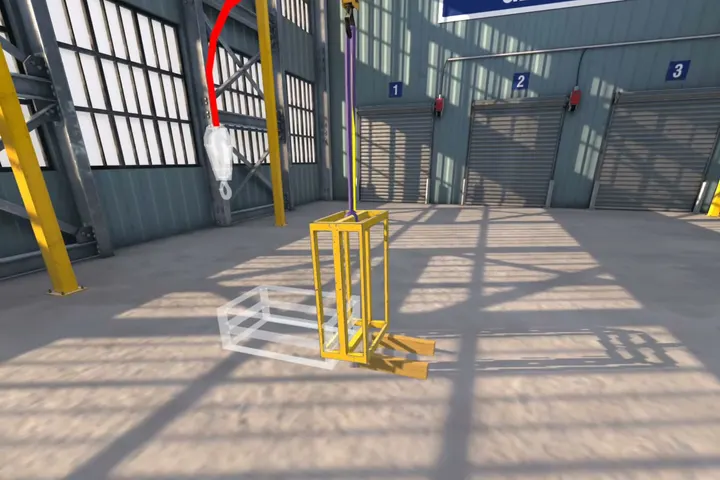
Final exam & turning a load
Everything combined under exam conditions, plus turning a load with a round sling.
The simulator measures as you train: it captures each learner's performance and detects dangerous behaviour - standing under the load, or letting the load travel towards you - and feeds it back right in the training.
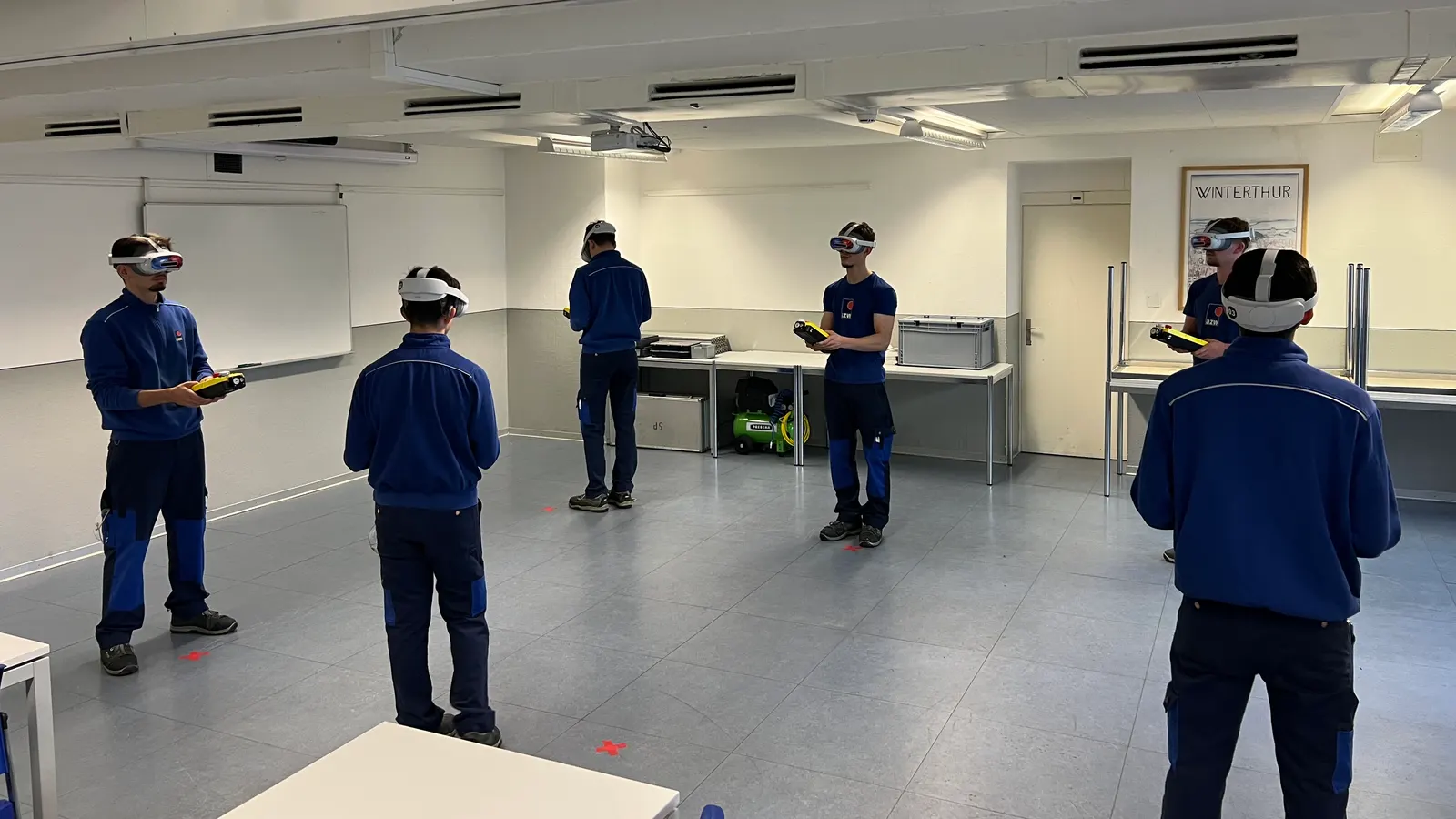
Tested to the Swiss Standard
Swiss Standard means the standardised final test course is completed without a single error. One mistake - touching an obstacle, for instance - and the final exam is repeated. On request, the course runs on your own standards - you configure error and time budgets in the dashboard.
The course is built on the Swiss regulatory framework: the Crane Ordinance, VUV Art. 6, EKAS 6512 and the Suva factsheets.
Theory, practice and record - or just the part you need
Theory
Interactive e-learning, 60-90 minutes, final test with a 70% pass mark.
VR practice
Nine levels, 45-90 minutes depending on how the exam goes. Standalone, no PC.
Record
A training record per person, sent automatically by email to the instructor.
Every module also works on its own - as a complete package, or as a building block in your existing training.
The whole simulator in one flight case
Unpack, switch on, train. Every kit ships ready to use - no computer, no installation.
VR headset: Pico 4 Ultra Enterprise
Software: crane simulator, pre-installed
Controls: a real pendant control, connected via Bluetooth - two-step buttons just like on the real crane
Optional: radio remote control can be integrated
Operation: no computer needed, fully offline on request
Supply: turnkey from AtlasVR, end to end
We recommend an annual refresher
The refresher is the shortened exam variant of the course - with its own training record. In Switzerland, the interval follows your company's risk assessment.
Impact you can measure
Supports employers in meeting the training obligation under VUV Art. 6 and the Kranverordnung (Swiss Crane Ordinance, SR 832.312.15), and meets the requirements of Suva factsheet 33081 (industrial cranes) and 33099 (attaching loads).
One course, aligned with the obligations in Switzerland, the EU and the United Kingdom.
Frequently asked questions
Not in Switzerland: for Category C (indoor, overhead and gantry cranes) there is no official Suva licence - unlike Categories A and B. But there is a training obligation: the employer must train operators and document that training (VUV Art. 6, Crane Ordinance). That is exactly what the course covers; the result is a training record. Other countries regulate this differently - in Germany, for example, operators need training with a proof of competence under DGUV Grundsatz 309-003 and must be formally appointed by the employer.
Yes - in Switzerland, the crane simulator can fully replace the practical part of the training: from the daily check to turning a load, every action is trained and tested on the simulated crane with a real pendant control. In other countries, the scope follows the national requirements and your company's own rules.
The theory part is an e-learning of 60-90 minutes. The practical part in the VR simulator takes 45-90 minutes - depending on how often the final exam has to be repeated. Pass it on the first attempt and you are done in 45 minutes.
Swiss Standard means the structure and content of the training, and the requirements of the final exam - including zero error tolerance - follow Swiss best practice and are set as the default. On request you define your own standards - error and time budgets in the dashboard.
A Pico 4 Ultra Enterprise VR headset, the crane simulator software and a pendant control connected to the headset via Bluetooth - optionally a radio remote control. You get all of it from AtlasVR as one complete training package: turnkey, no computer needed, fully offline on request.
No. A Pico tracker follows the real controls in the room, and there is no comparable tracker for Meta Quest. That is why the crane simulator runs on the Pico 4 Ultra Enterprise. The other AtlasVR modules run on Meta Quest 3 and 3S as standard.
We recommend an annual refresher, at least every three years. In Switzerland, what counts is your company's risk assessment.
Bring the module to your team
Book a demo and experience the crane simulator on your own workflows.